

LeadsApp answers the people who contact your business, so none of them sit waiting. When someone fills in your form or emails your inquiry address, LeadsApp writes a reply in your voice within about a minute — day or night — asks one or two questions that tell you whether they are worth your time, scores them, and keeps the thread going until they book or go quiet.
The loop, step by step
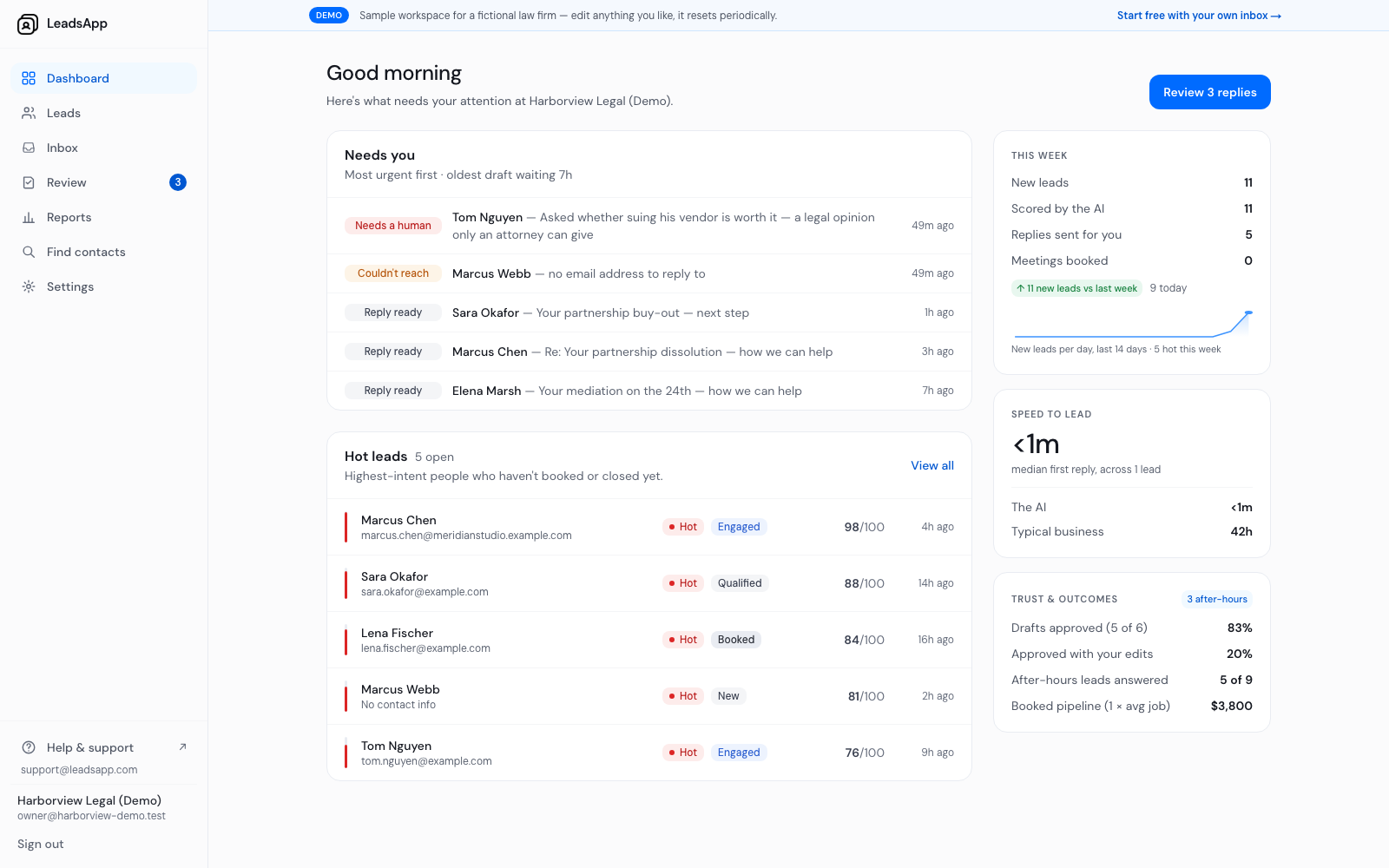
A lead arrives from your website form, a forwarded email, a webhook, a CSV import, or you add it by hand.
The AI reads it, scores it 0-100, and writes a first reply in your voice.
By default that reply waits in your Review queue. Nothing is sent until you approve it.
Once the lead answers, the AI keeps replying and drops your booking link when they are ready.
If they go quiet, it follows up — and stops the instant they reply.
Everything it sends is based on the business profile you fill in, so it states your facts and not invented ones.
Who it is built for
Small professional and B2B service businesses: agencies, consultants, law firms, realtors, med spas and coaches. It works on email and web-form inquiries. It does not make phone calls or send texts.
Start free on 25 leads a month