

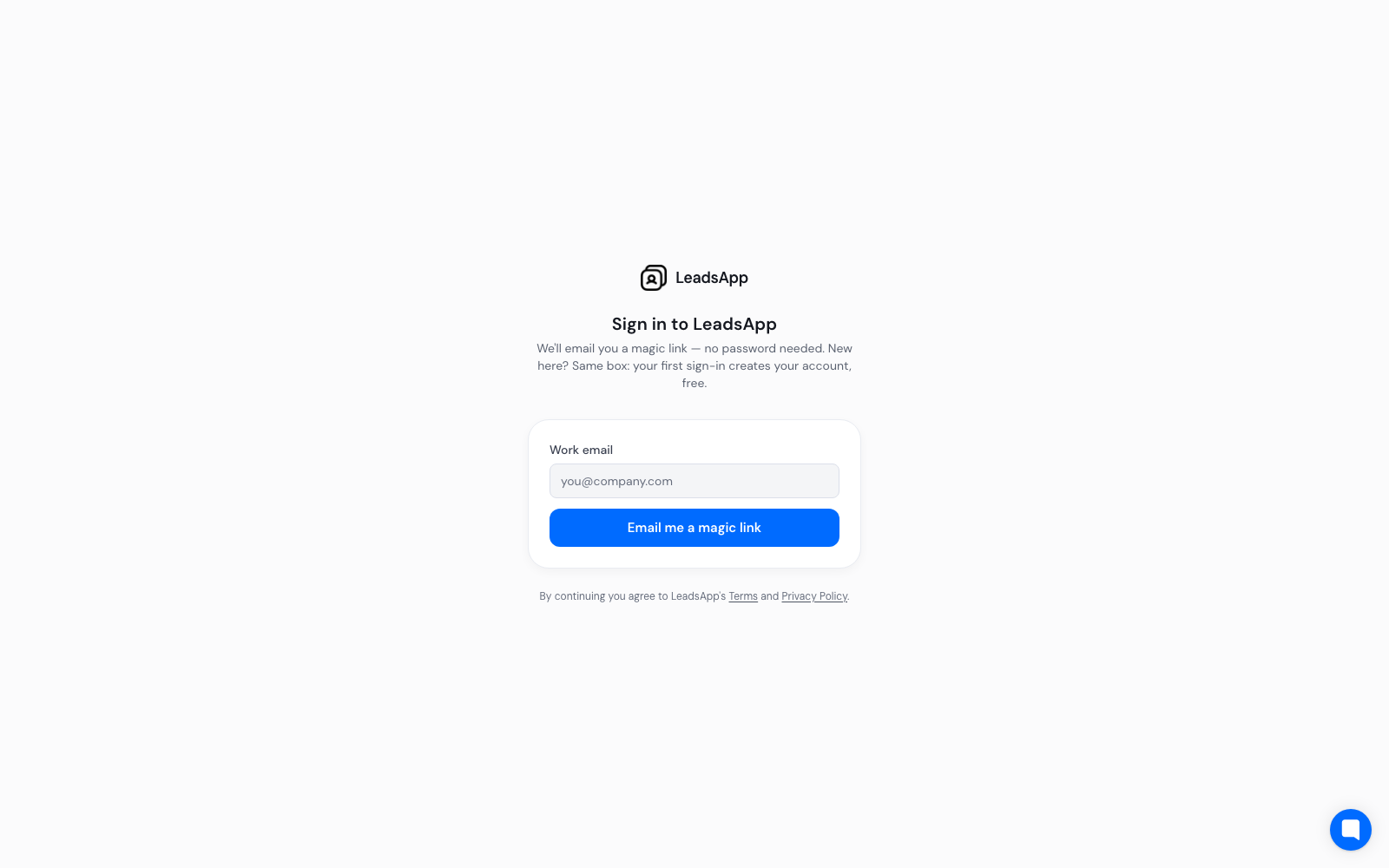
LeadsApp does not use passwords. You type your work email and we send you a link that signs you in. Your first sign-in creates your account at the same time, so there is no separate sign-up step and no card to enter.
If the link does not arrive
Check your spam or promotions folder — the message comes from LeadsApp.
Make sure you typed the same address you used last time; a different address creates a different account.
Links are single-use and expire. If yours has gone stale, just request a new one.
If your company filters unknown senders, ask IT to allow mail from leadsapp.com.
Still stuck? Start a chat from the button in the corner of this page and we will sort it out.
Sign in to LeadsApp